Robot Mower 4G, Wi-Fi and Bluetooth: What Connectivity You Actually Need
Robot mower 4G service, Wi-Fi and Bluetooth serve different tasks. A connected robot mower may use Bluetooth, home Wi-Fi and cellular data for different jobs. A phone app’s remote control, a software update and the mower’s position are not the same function. Before paying for a data plan or extending Wi-Fi across the lawn, determine exactly what the proposed model needs for setup, daily mowing and navigation corrections.
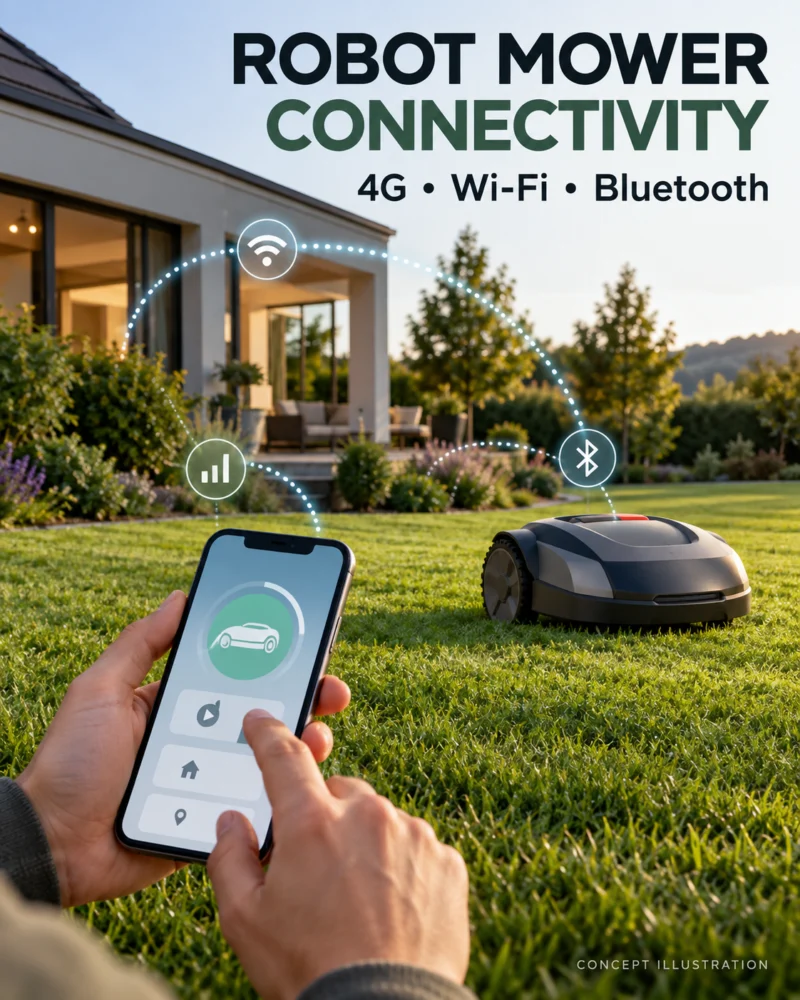
Bluetooth for nearby interaction
Bluetooth can help a phone communicate with a nearby mower during setup or local control. It does not imply that a homeowner can manage the machine from work or receive an alert across town. Ask which mapping and troubleshooting functions remain available when the phone is close to the mower and the internet is unavailable.
Wi-Fi around the dock and beyond
Wi-Fi can support software updates, app communication or other model-specific tasks. Check signal strength at the charger and in the far zones, especially behind masonry or outbuildings. But do not assume that a full-yard Wi-Fi network is necessary for every mower or that Wi-Fi reception fixes GNSS satellite visibility under trees. Ask whether a temporary connection at the dock is enough for updates.
Cellular data and subscriptions
Some models use a built-in cellular service for remote features, alerts or positioning corrections. Confirm whether service is included, for how long, in which country and what happens after the included period. Determine whether a renewal is optional for convenience or required for the way the mower is installed. Separate an anti-theft notification feature from a service that delivers navigation correction data; their impact on mowing can differ.
Mammotion’s U.S. 4G terms describe three years of included general 4G data for the LUBA 3 AWD series. Separately, Mammotion says its iNavi positioning service and required correction data are free for the product’s lifespan on eligible models, which it identifies as the LUBA 3 AWD 3000/3000H/5000/5000H. Check the exact variant, coverage area and current terms; general remote-control features and positioning data are different services.
Network RTK is a positioning arrangement
RTK can use correction information delivered through a network or a local station, depending on the product. Correction delivery and the satellite signals used to calculate position are separate inputs. Ask what the mower does if either becomes unavailable. A strong mobile-data signal cannot remove a satellite obstruction beneath dense canopy.
An outage questions table
| Function | Question for the exact model |
|---|---|
| Scheduled mowing | Does it continue if home internet is down? |
| Local control | Can the owner connect nearby without cellular service? |
| Remote alerts | What connection and subscription are required? |
| Mapping | Can maps be viewed or edited offline? |
| Positioning corrections | How are they delivered, and what happens during an outage? |
| Updates | Where and how are they installed? |
Mark any unanswered cell “manufacturer answer pending.” Do not infer the response from a technology name. Record the service’s end date and ongoing cost, if applicable, in the ownership estimate.
Survey the property and choose deliberately
Check Wi-Fi near the dock, cellular service in remote zones and sky visibility for a GNSS-based design. Those are three different surveys. Ask for a demonstration of what happens during a normal connection loss under a manufacturer-approved procedure; do not deliberately interrupt a safety-critical positioning service while a machine is operating near a hazard.
See the navigation guide and under-trees guide for the positioning issues behind the connectivity question.
Three outage scenarios to document
Home internet fails overnight. Does the mower continue an existing schedule, pause, or merely stop sending phone notifications? The answer depends on the model and installation. Ask how the owner can retrieve the machine and view errors without the normal app connection.
Cellular coverage is weak in a distant zone. Determine whether the connection delivers remote alerts, correction data or both. If only alerts fail, mowing may continue; if positioning depends on a data path, behavior could be different. Do not infer the answer from a signal-strength icon on the owner’s phone.
The included data period ends. Record the renewal charge, what becomes unavailable and whether local operation remains possible. A current promotional promise may not describe future pricing. Keep service cost as a separate editable line in the ownership worksheet, never hidden in “free connectivity.”
A dealer should identify which of these conditions can be demonstrated safely and which are explained by written support material. Document the answer with date, variant and firmware version. The resulting model record is far more useful than a generic row saying “4G/Wi-Fi/Bluetooth: yes.”
Split the functions before paying for data
For a particular mower, make three columns: local control and setup, remote app features, and positioning corrections. Ask which connection each column requires. Bluetooth may help with close-range setup; home Wi-Fi may reach the dock but not a distant lawn zone; cellular may keep remote status available away from the house. A display that says “connected” does not tell the owner which of these functions has a usable signal at the work area.
Mammotion is an example of why the distinction matters. Its U.S. terms list three years of included general 4G data for LUBA 3 AWD. The separate iNavi announcement says positioning service and the data it requires are free for the product lifespan on specified 3000/3000H/5000/5000H variants. That does not promise every remote camera or app feature is free forever, or that every variant has iNavi coverage. Check the exact model and region, and ask whether local antenna-based positioning remains available without general cellular renewal.
Check the entire mowing area
Stand at the dock, the far boundary, the narrow passage and the location where a mower is most likely to stop. Check Wi-Fi or cellular coverage for the connection the selected navigation mode actually needs. A strong signal near the house does not prove coverage under trees or behind an outbuilding. Ask what is stored locally, what works during a temporary outage, and how a failed operation is reported when the connection returns. Keep a copy of current service terms with the purchase record so a later change can be assessed against the original expectation.
In summary: Buy the connectivity capabilities the property and desired features require, with their costs and outage behavior documented. “Connected” alone does not tell an owner whether the mower can cut, navigate or alert during an interruption.
Manufacturer terms to verify: Mammotion 4G service terms; iNavi announcement and the relevant model manual. The outage table consists of buyer questions; it does not assert identical behavior across brands.